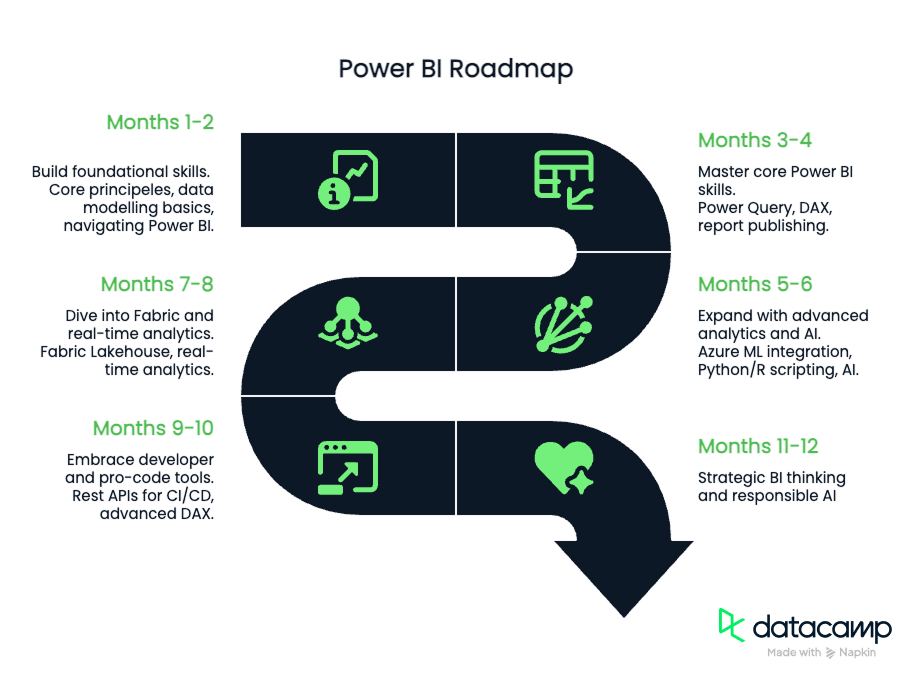
How to Learn Python for Power BI: Unlocking Data Analysis and Visualization
Are you looking to boost your data analysis and visualization skills using Power BI?-learning Python is the key to unlocking advanced capabilities in Power BI. In this comprehensive guide, we'll walk you through the process of learning Python and how to integrate it with Power BI for enhanced data analysis, custom visuals, and advanced calculations.
Why Combine Python with Power BI?
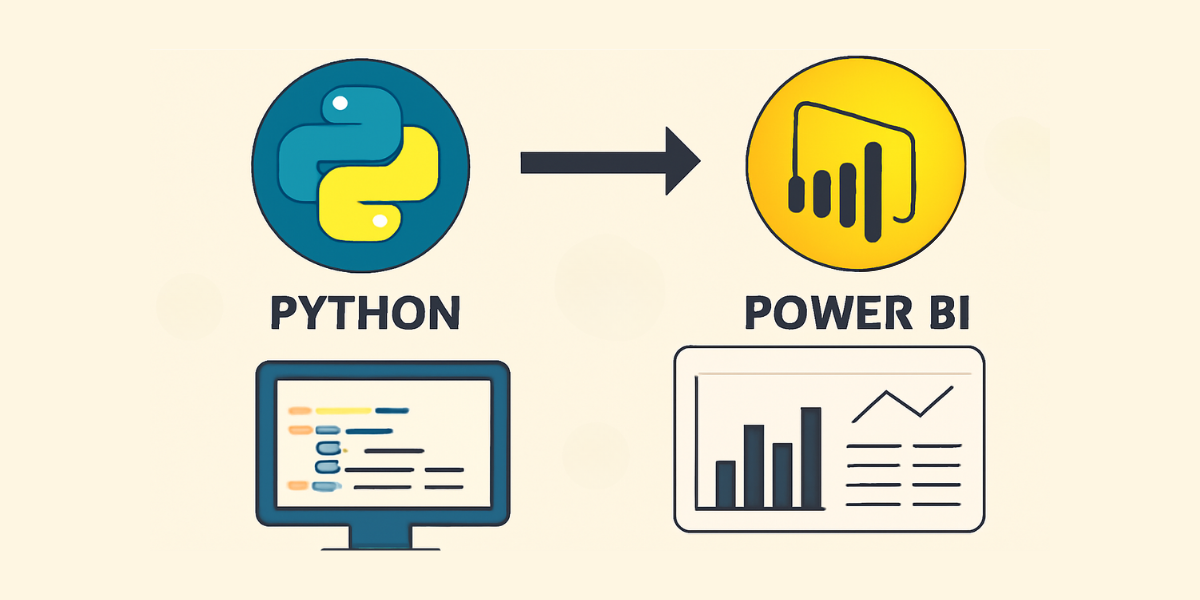
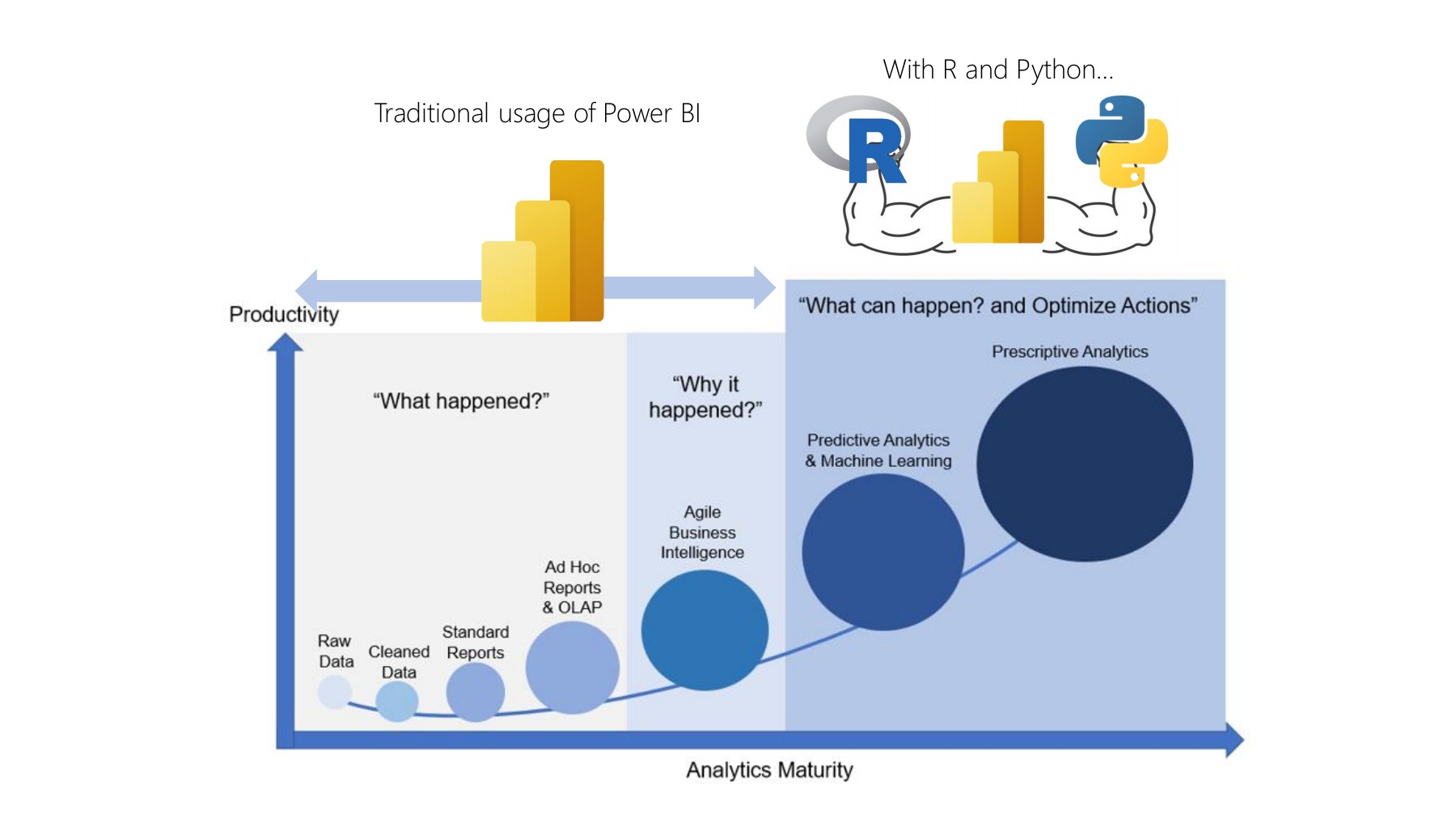
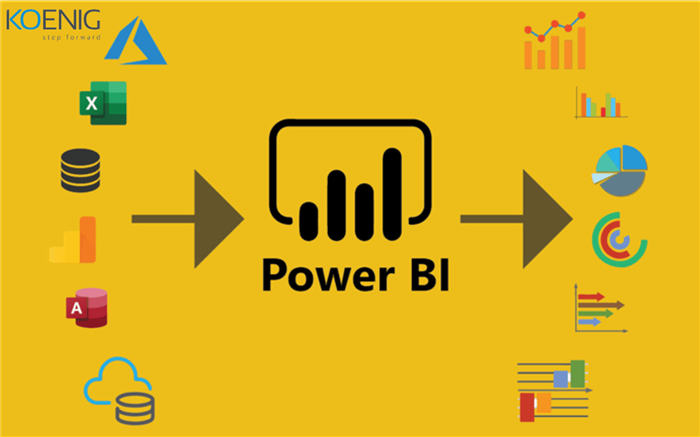
Python is one of the most popular programming languages in data science and analytics, capable of handling complex tasks such as data transformation, visualization, machine learning, and artificial intelligence. Power BI, on the other hand, is a powerful business analytics service by Microsoft that allows you to create interactive visualizations and business intelligence dashboards. By integrating Python with Power BI, you can take your reporting capabilities to the next level.
Getting Started with Python and Power BI
To get started with learning Python for Power BI, follow these steps:
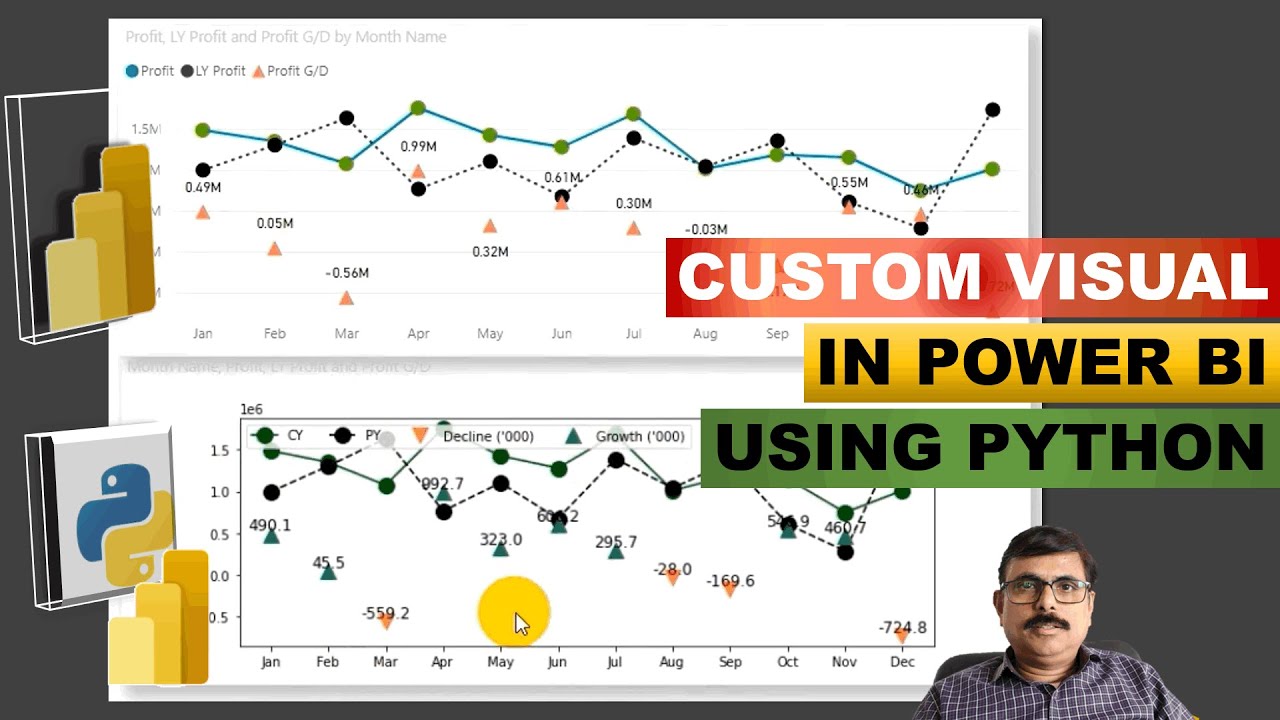
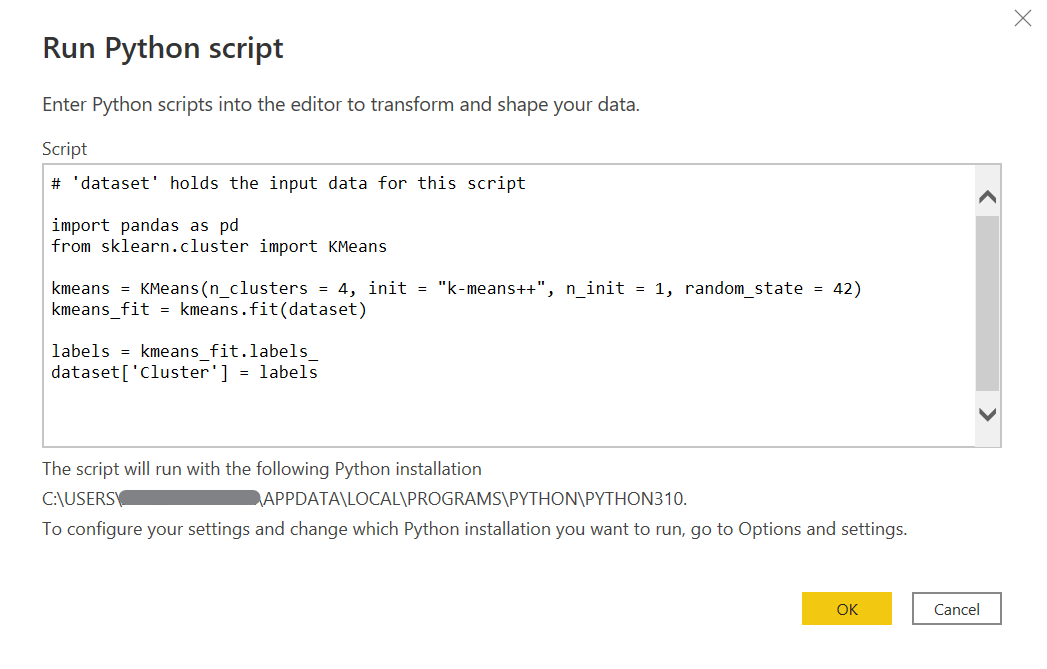
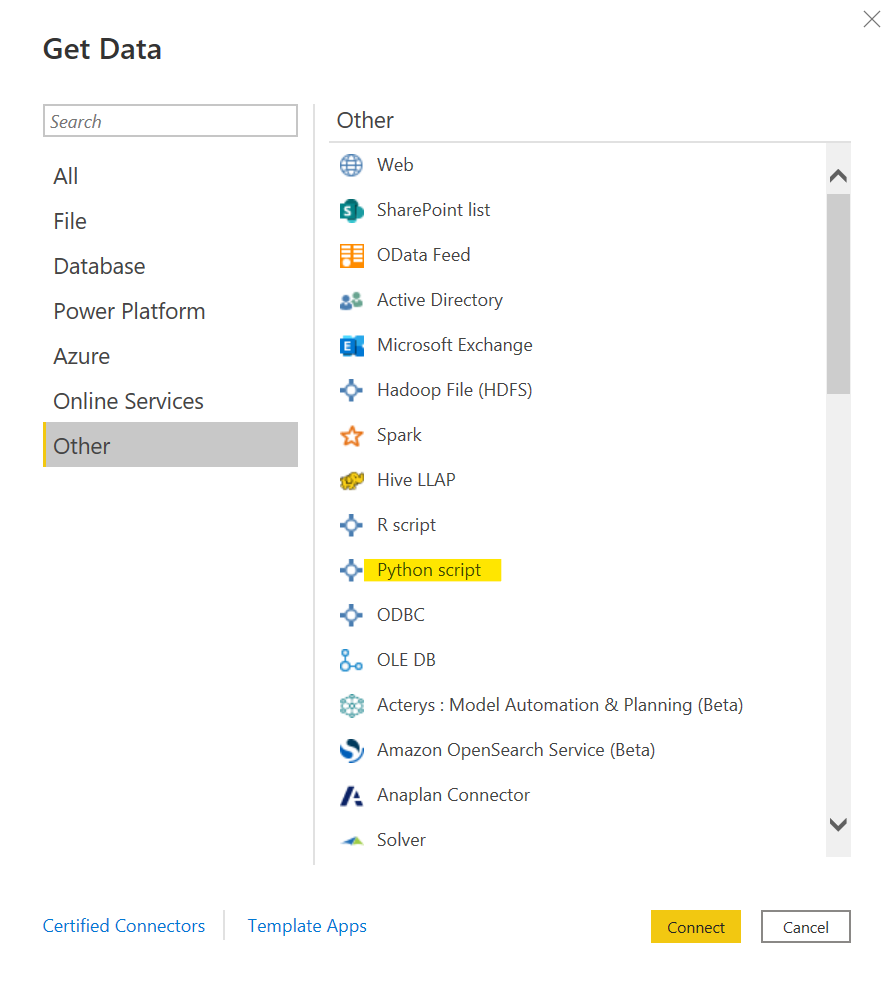
- Install and configure Microsoft Power BI to work with Python.
- Learn the basics of Python programming, including data types, variables, control structures, functions, and modules.
- Familiarize yourself with popular Python libraries for data analysis, such as Pandas, NumPy, and Matplotlib.
- Import data from a SQLite database using Python and transform it using pandas.
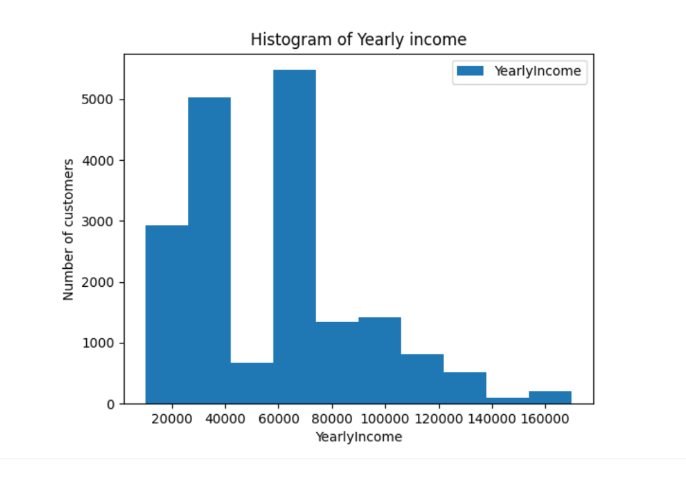
- Visualize the data using Matplotlib and import the resulting datasets into a Power BI desktop data model.
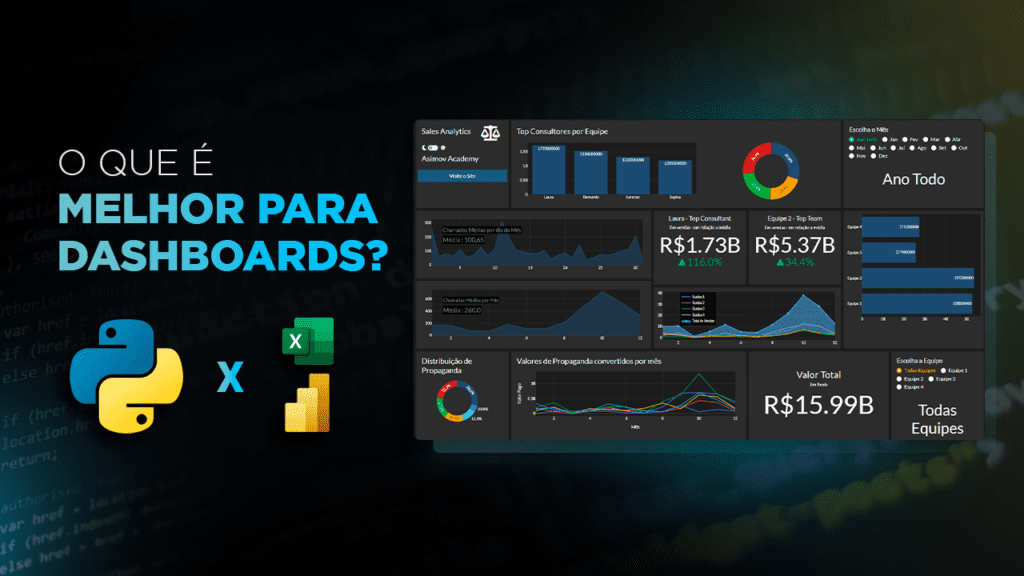
Creating a plot using visualization tools in Power BI alone may have some limitations and some plots may not be available in Power BI. Python comes in handy since there are many libraries in Python that can generate any visualization you wish. For example, you can use the Matplotlib library to create a wide range of charts and graphs, including line plots, scatter plots, bar charts, histograms, and more.
Real-World Applications of Python and Power BI
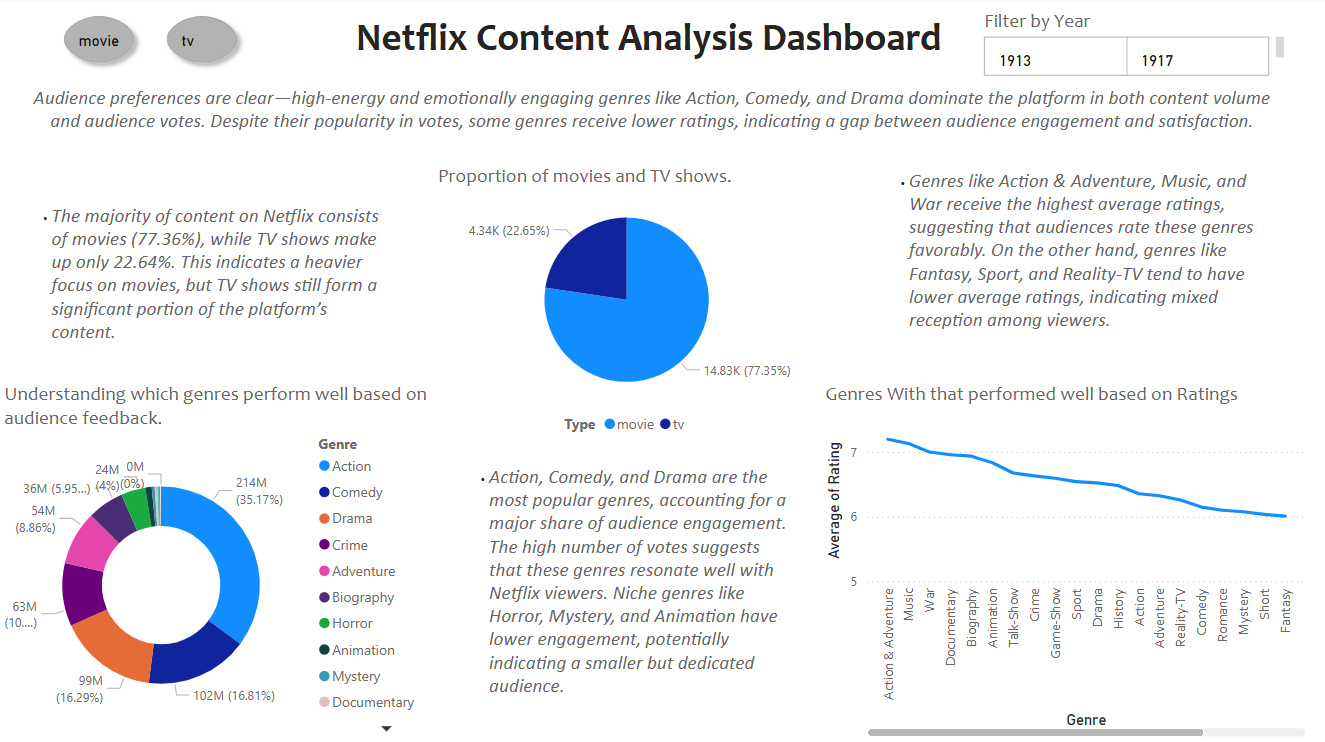
Let's take a look at some real-world applications of using Python with Power BI. For instance, you can use Python to predict customer churn and display business insights through interactive visualizations. You can also use Python to analyze employee attrition data and visualize factors affecting employee turnover. By combining the strengths of Python and Power BI, you can create sophisticated data models and visualizations that drive business decisions.
Resources for Learning Python and Power BI

Moving forward, it's essential to keep these visual contexts in mind when discussing How To Learn Python Power Bi.
There are numerous resources available to learn Python and Power BI, including tutorials, online courses, blogs, and videos. Some popular resources include:
Conclusion
Learning Python and Power BI can be a game-changer for data analysts and business professionals looking to unlock advanced capabilities in data analysis and visualization. By following the steps outlined in this guide and leveraging the resources available, you can master the art of combining Python with Power BI and take your reporting capabilities to the next level. Remember to practice regularly and experiment with different use cases to become proficient in using Python and Power BI together.
Additional Resources
For more information on how to learn Python and Power BI, check out the following additional resources:
- Power BI documentation: https://docs.microsoft.com/en-us/power-bi/
- Python for Power BI blog: https://pythonforpowerbi.com/
- Power BI community forums: https://community.powerbi.com/
- Udemy and Coursera courses: https://www.udemy.com/ and https://www.coursera.org/


![View of Free Data Analysis Courses & Certificates [2026] | Coursera](https://cdn.hackernoon.com/images/img-b8133ik.png "Free Data Analysis Courses & Certificates [2026] | Coursera")